


Car DVR Camera USB Full HD720P ADAS Dash Cam Video Recorder Night Vision For Universal Android Car Radio Navigation
Car DVR Camera USB Full HD720P ADAS Dash Cam Video Recorder Night Vision For Universal Android Car Radio Navigation
SPECIFICATIONS
Assembly Mode: Hidden Type
Battery: None
Brand Name: grandnavi
Camera Resolution: 720x480
Certification: CE
Chipset Manufacturer: Allwinner
Choice: yes
Frames Per Second: 30
GPS logger: NONE
High-concerned chemical: none
Interface: USB 2.0,Micro SD/TF
Is Batteries Included: no
Item Type: Car DVR
Max External Memory: 32G
Memory Card Required Reding Speed: Class 10
NightShot Function: no
Number Of Lenses: 1
Origin: Mainland China
Original Package: Yes
Power Source: Corded electric
Rear Camera: NONE
Screen Ratio: NONE
Special Features: G-Sensor,motion detection,sd/mmc card,Real Time Surveillance
Touch Screen: no
Video Code: H.264
Video Format: AVI
View angle: 170 °
Please Note:
DVR does not support connecting to any other device, It can only connect to Android car radio. If your car does not have an Android radio, it is not suitable for your car. Please do not buy!
How to connect DVR to Android radio?
①How to open ADAS function: Please click on Settings - App Update-Update-Install
②After the system update, ADAS features can be seen (if the update is listed as disabled by Google, please click more - choose still to install)
③Android Car Radio USB cable(You need to prepare it yourself) Our DVR does not have this USB cable. Please prepare it yourself or purchase an additional one. This does not belong to the DVR cable. If you mind, please do not buy our DVR!
Product Features
*APK for convenient installation
*Clear starlight night -vision video picture
*Lane departure warning ADAS
*Automatic function:Automatic recording when power on and automatic cyclic covering recording.
*Automatic synchronous vehicle-mounted time when power on

Connect to USB to use
You can watch videos on the car radio by connecting USB. Easy to connect and easy to watch
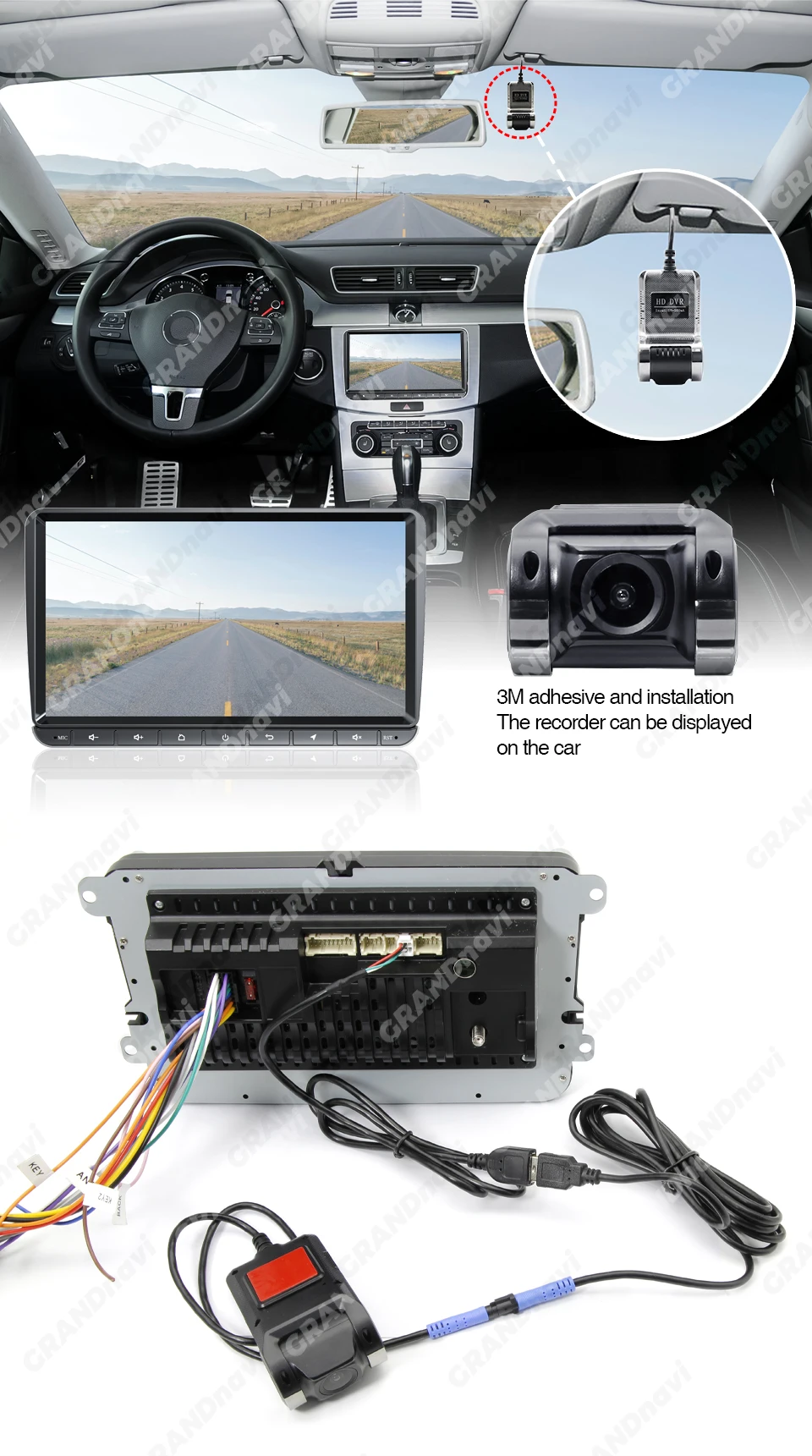

Automatic recording when power on and automatic cyclic covering recording.

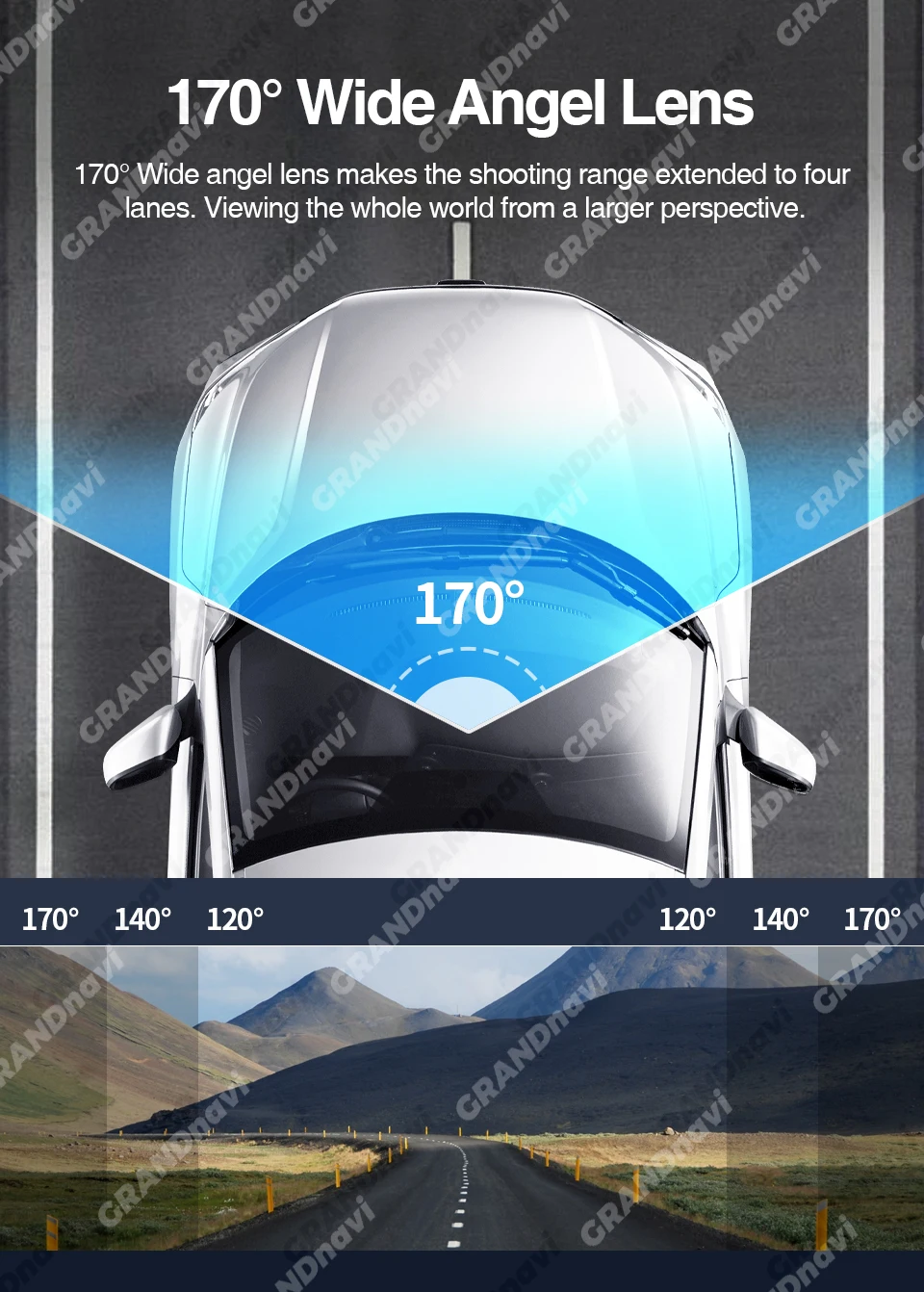

Lane departure warning ADAS
The device automatically triggers a lane departure alarm when the driver unconsciously deviates from the original lane.


Notes:
Normally choose the random USB interface of the large screen host machine of connection,eg:USB1,Replace USB2 interface if the equipment can not be normally found
FAQ
Q: How do I install the DVR application?
A: We have reinstalled the application in dvr, just connect to your car radio, enter the file manager, find the Buildwin USB drive, click to enter, and then click to run "uCardvr.apk" to install and then complete;
Q: How to make ADAS work properly?
A: Enter the settings of the DVR application, find ADAS, and turn on all functions. It may be necessary to update the software. It is easy. Just connect to the wifi and click Update;
Q: Can DVR be connected to a phone or have wifi / Bluetooth capabilities?
A: No, not all of them are supported;
Q: How to watch the video recorded by DVR?
A: DVD is just to watch the video in real time. If you want to watch the video, please remove the SD card and then use a card reader to connect to the computer to watch;

Product features
Product features
Materials and care
Materials and care
Merchandising tips
Merchandising tips


Pozycje łącznie
Suma częściowa dla produktu